I didn’t know much about Obsidian until I actively searched the current note-taking landscape. I remember a friend talking about a “second brain” a while ago, but when I looked into it, I saw a massive learning curve. As a cynic who is wary of investing time in a tool I don’t control—and that will ultimately end up controlling me—I decided to pass.
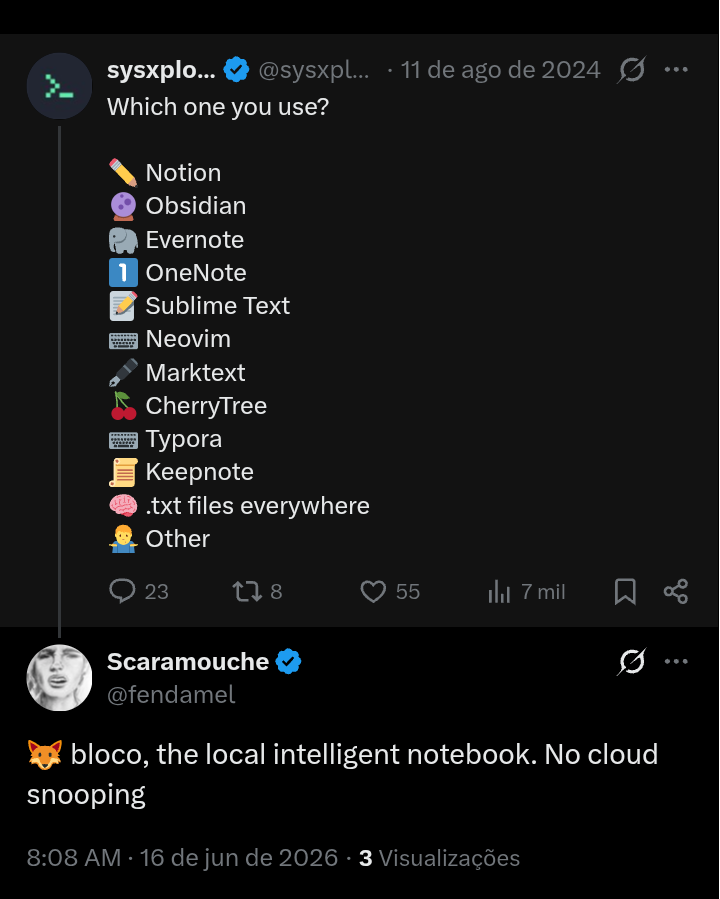
Alas I come back to it now to compare it to bloco, and my skepticism is entirely confirmed.
Obsidian is marketed as a “wiki for your own mind,” but the actual work of discovery is left completely to the user. For a writer, a researcher, or a lawyer managing thousands of documents, manually building a wiki is simply not feasible.
1. The Markdown Obsession
I detest that Obsidian is fundamentally a Markdown app, inheriting the same flaws as Keepnote and Evernote. A note management application should excel at seeing the forest for the trees. I don’t care about an app’s ability to format the best document ever. That will always pale in comparison to specialized tools like Microsoft Office or Adobe PDF.
If I want to write a text document, why would I ever use a limiting Markdown app instead of a myriad of powerful, dedicated writing software? Bloco’s job isn’t to compete with Office. Its job is to take any existing file format and instantly make sense of them all.
2. The Burden of the “Cold Start”
Another major drawback of Obsidian is that on day one, it starts completely blank. You are expected to manually link your files just to make the app useful.
That is exactly what bloco bypasses. When a user loads a directory in bloco, it is immediately up, running, and populated. You can see all your existing files and navigate them like a library from the start.
3. The Lack of Serendipity
Obsidian fails to resurface your old, forgotten files. If I am reading a book about China, I want my system to magically show me related files. Even an odd, random sentence I wrote about China years ago in a forgotten .txt file. Bloco does this naturally, Obsidian expects you to remember it yourself.

4. Cloud Dependency and Workflow Lock-in
Why we are expected to upload our private thoughts and reflections to the cloud is beyond me. Furthermore, Obsidian’s UI is an enforcing, proprietary structure. If that service is ever pulled, a massive hole opens up in your workflow.
Obsidian places itself aggressively between you and your ideas. If you remove Obsidian, you lose all the manual labor you spent trying to make sense of your data.
Final thoughts
If Obsidian crashes, you’re a cartographer whose meticulously self-drawn map has just dissolved, leaving you stranded in the wilderness you spent years charting.
If Bloco crashes, you’re an archaeologist who simply misplaced their metal detector. Your bones are still safely buried exactly where you left them.
Bloco doesn’t lock your files in a proprietary vault or demand endless manual linking. Instead, it reads the unstructured PDFs, Word docs, and images already sitting on your computer and automatically surfaces the hidden connections between them.
No manual tagging. No cold start. Just instant, offline discovery.
PS: the Graph View is actually cool.